 English
 Español
Let's Make Video Games Like It's 1994: Game-Maker, by Recreational Software Designs (Part 1: The Setup)
13 Oct 2026In this series of articles we’re going to put together a development environment for making video games as if we were in 1994. For practical reasons we won’t use real hardware, but the emulated software and hardware should all have been generally available that year. We’ll use MS-DOS (via DOSBox-X, an emulator) and Game-Maker, by Recreational Software Designs, a set of tools for designing video games. We’ll also seek out period-appropriate tools for making the graphics, audio and music.
Disclaimer: while researching and writing code I used web search engines (my favourite is DuckDuckGo, plus Google) and LLMs (Claude). I thought through and wrote the words of these articles in Spanish myself. I used LLMs to review grammar and to point out anything that needs clarifying. I used LLMs to translate into English, and then I reviewed the whole result before publishing.
A Bit of History
When I was a kid I got my hands on a magazine about video game development that had an ad like this on one of its pages:
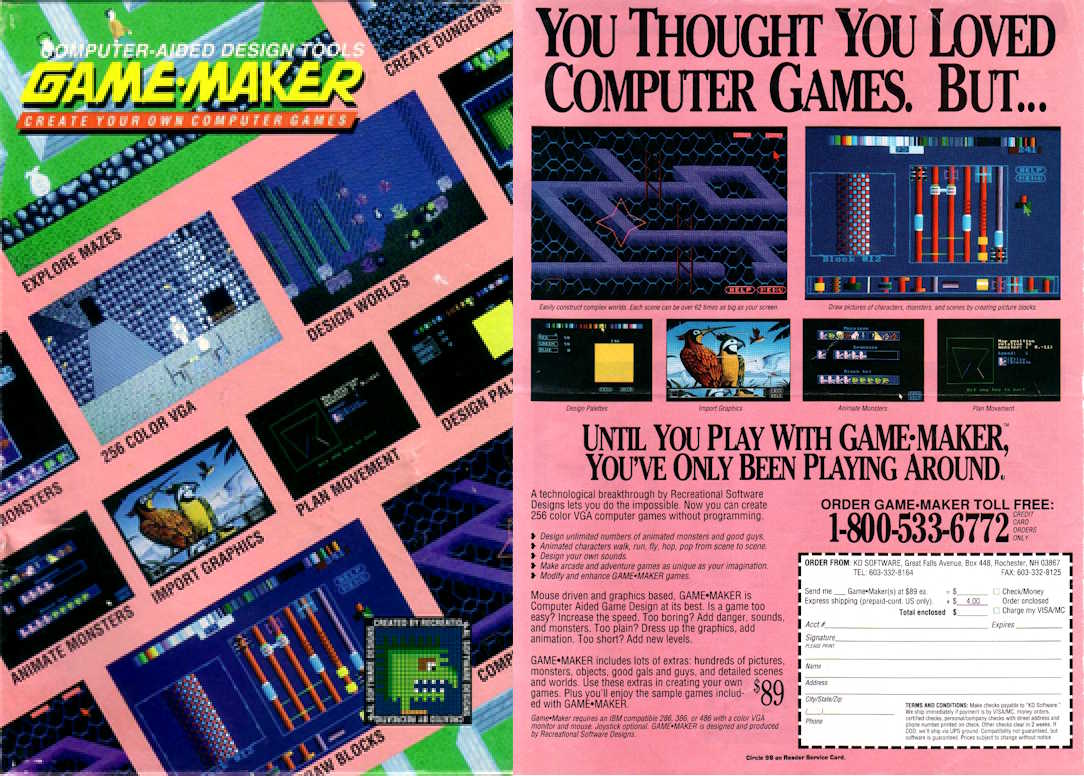
Game-Maker. With this image, the possibilities for making games seemed endless. I grew up in Caracas in the 90s, which meant my chances of acquiring software through legitimate means were pretty slim. As a result, getting hold of Game-Maker seemed out of reach.
Even so, I managed to get a copy of the program (I no longer remember how), and with that and Paint Shop Pro on Windows I was able to make a couple of prototypes. One was a Pac-Man clone (it was called Pacmania), and the other was about a prisoner trying to escape from jail.

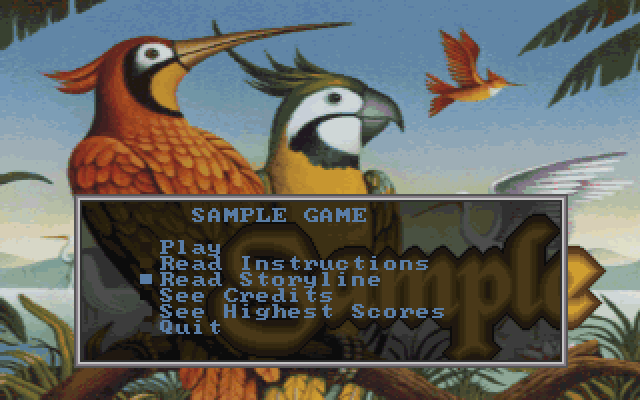
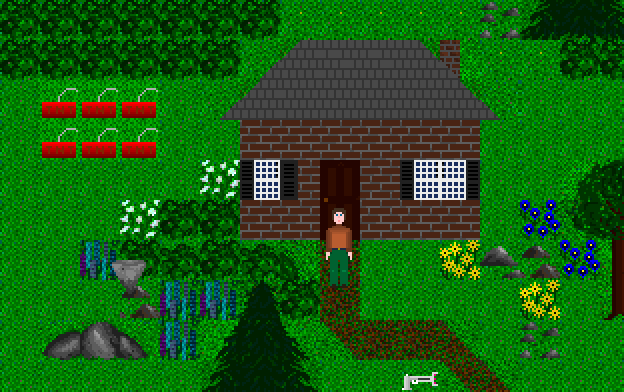
In 1994, Windows 95 was still a year away from being released to the public. I didn’t get dial-up Internet access until two years later. Windows 3.1 was what there was, and it had no way of offering direct access to the hardware (DirectX did that later). So games were still mostly made for MS-DOS, with a few exceptions for Windows 3.1. CD-ROM had already appeared and was becoming popular. A beta of Windows 95 required 20 3.5” floppies to install.
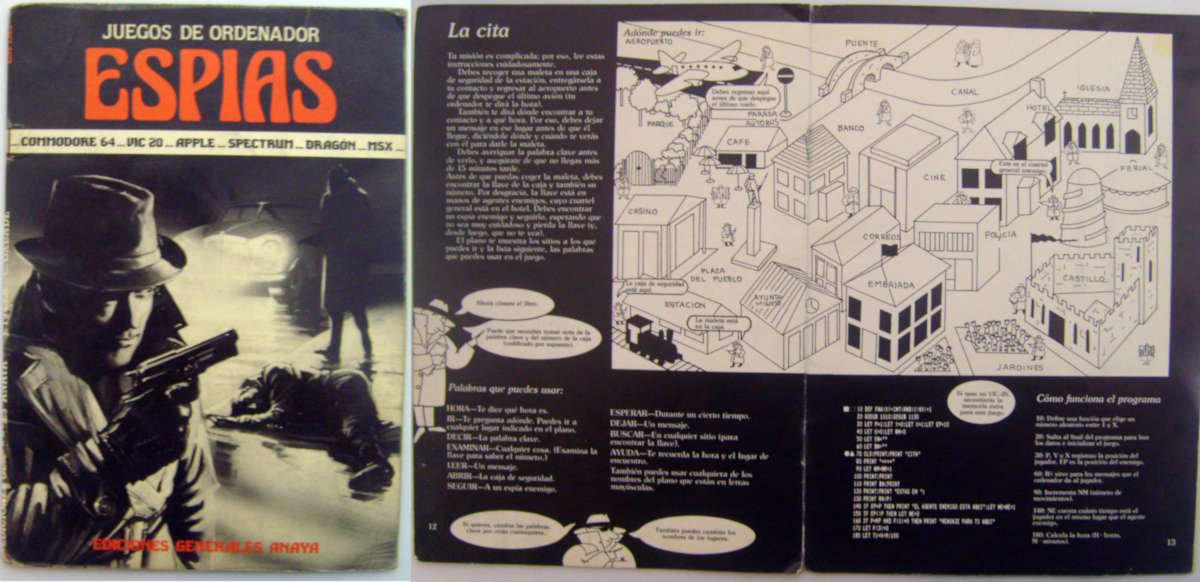
In my early teens I was enormously curious about how to make games, but the educational material within my reach wasn’t the most suitable. I had QBASIC for MS-DOS, which came with GORILLA.BAS, I’d done a few things with LOGO, and I had the video game programming books from Editorial Plesa/Usborne Publishing, which didn’t include the PC as a development platform.
Sadly, all the material and code I made with Game-Maker was lost in one of the times I lost data from a hard drive. It’s a fact of life, but it’s still a good reminder: back up your data.
I came back to Game-Maker at some point because Andrew Stone, the lead developer, published the source code on GitHub and managed to set up a development environment for the tools, so they could be compiled in DOS.
This initially gave me the idea of inspecting the code and hacking it together into a port for modern platforms. However, in 2014, when the code was published, the effort was perhaps too much for the reward. Now, with today’s AI tools, it’s possible to port the engine and the editing tools to raylib, so that they can run on modern platforms.
That gave me a better idea: how could we make our own game if we were in 1994? What would an alternate 1994 look like, one where I had all the tools I need to develop a game, with no limit other than finding and using the tools of the era? Although I used Game-Maker years later, it seems to me an appropriate moment, one where graphical interfaces, though present, were not yet dominant on the PC.
I like to think I’m doing my 12-year-old self a favour, for whom much of this would have been too complicated back then, at least without proper mentorship, or too expensive. In fact, I think very few people would have had the financial resources or the access to all the tools we’re going to use in this article.
In this article I’ll describe the steps to build a setup that lets you make video games as if you were in 1994, with the tools of the time. We’ll be able to distribute the end result over the web with the port I made of the engine so it runs in the browser.
The Tools
Game-Maker
Game-Maker is a set of editing tools (GM.EXE) for making a game. The result is a set of files that run on an engine (GMPLAY.EXE).
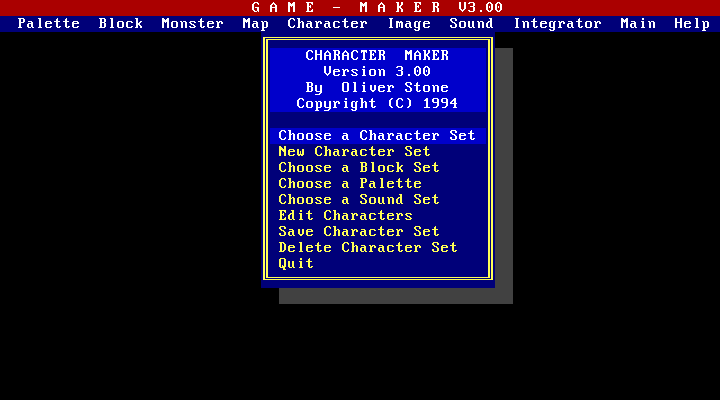
Games made in Game-Maker run on the DOS operating system on a 256-colour VGA screen at 320×200 resolution. Games are tile-based. With Game-Maker’s editing tools, you can:
- Build colour palettes
- Draw tiles (or import them from a GIF image)
- Create monsters (or non-player characters)
- Create the main character
- Create maps out of those tiles
- Add sound effects (VOC format) and music (CMF format)
- Bring it all together in a .GAM file, which is what the engine runs
DOSBox-X
DOSBox is an open source emulator that recreates a DOS-like environment on modern platforms. DOSBox can also emulate the popular sound cards of the time, such as Creative Labs’ Sound Blaster.
DOSBox is a quite popular project; it’s what several re-releases of popular games from that era on Steam and GOG use. Its latest version so far is 0.74-3, released in 2019.
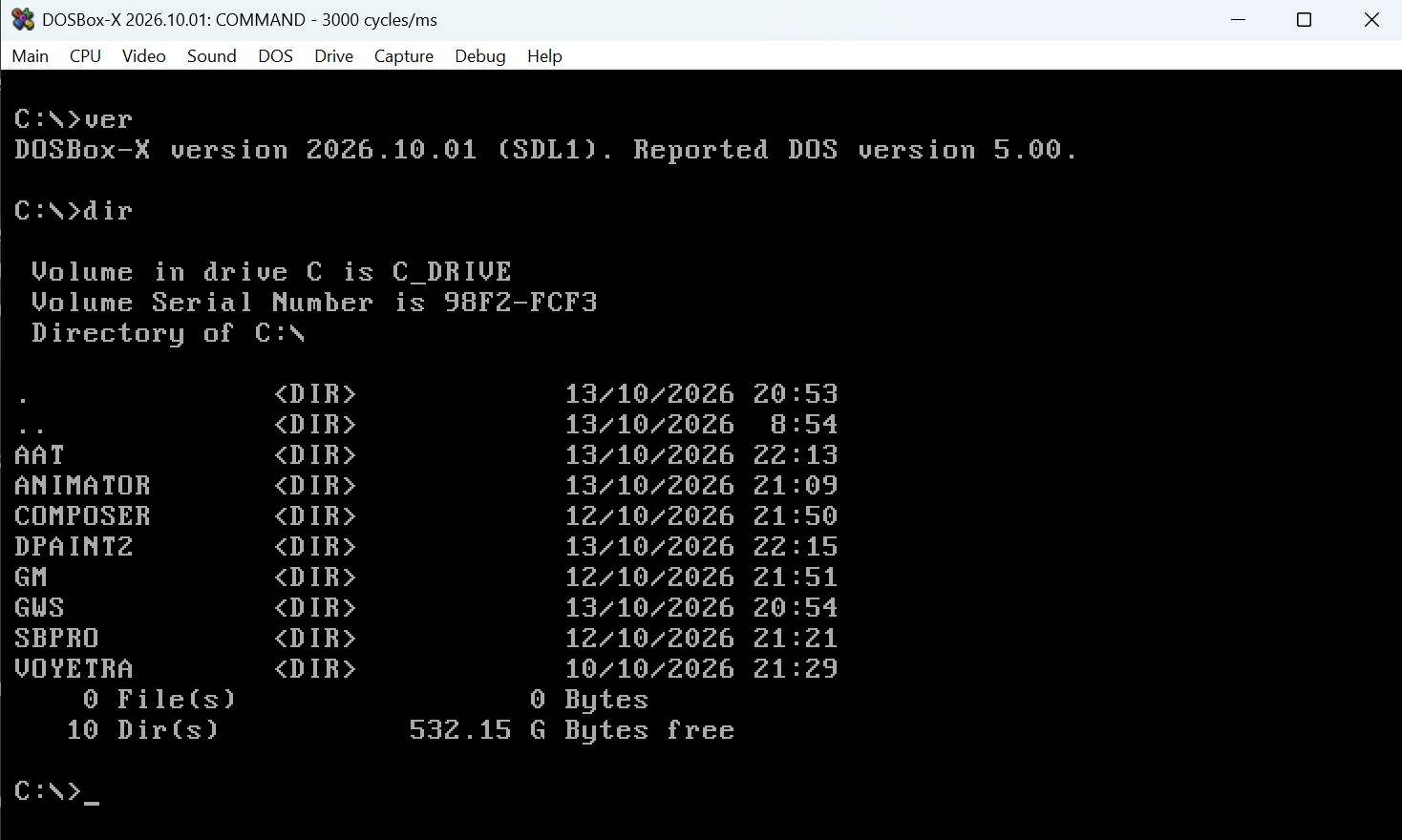
We’ll use a variant of DOSBox called DOSBox-X. The main reason to use it, apart from being under active development with releases from just a few months ago, is that it can use the computer’s microphone.
Yes, we’ll be able to record sound in our environment.
Creative Labs Sound Blaster Pro Utilities
In 1994 you had to buy a sound card and install it in your machine to get sound. Nowadays that’s built into the system. With the sound card you also got a CD-ROM with utilities. Among those utilities is VEDIT, which is used to record audio from a microphone plugged into the sound card.
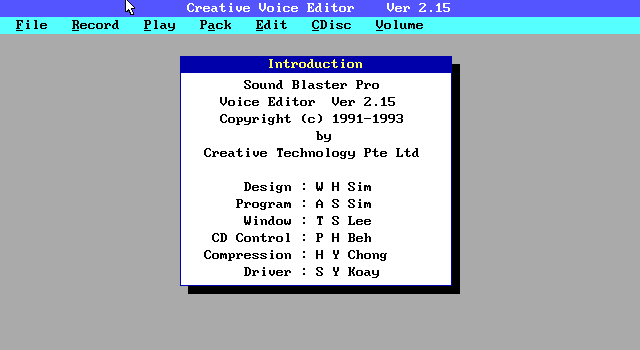
The sound files Game-Maker handles are the ones VEDIT generates, in VOC format. The utilities also include tools to convert WAV sounds to VOC.
Breaking the 1994 illusion: you can use any WAV file, but it has to be processed to use unsigned 8-bit values. A program like ffmpeg can do this. For example: ffmpeg -i input.wav -ar 11025 -ac 1 -acodec pcm_u8 -map_metadata -1 -fflags +bitexact -flags:a +bitexact output.wav. This converts the sound to 11kHz (sample rate), mono, with unsigned 8-bit values.
Ad Lib Visual Composer
This is a music sequencer made by Ad Lib Inc. in 1987. This graphical sequencer saves its data in ROL format. The ROL format contains instructions for playing notes, and needs an instrument file (INS) or an instrument bank (BNK) that defines what those notes sound like.
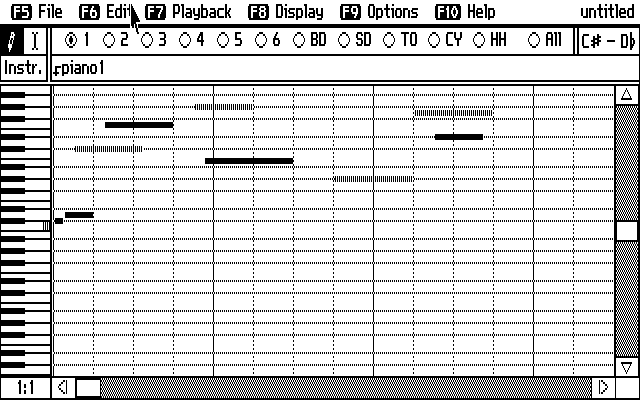
Game-Maker expects music in CMF format. Game-Maker’s manual is somewhat vague about how to make sounds in VOC format and music in CMF format. The manual only says that sounds and music can be found online (through BBSs) or on CDs. And, to be honest, Game-Maker’s GitHub repository has a CD directory, which contains what was distributed with the product, and that includes a modest library of sounds and pieces of music in these formats.
However, our goal is to have an environment that also lets us make music, so composing with Ad Lib Visual Composer is a feasible route for the period.
ROL2CMF.EXE
This is a Creative Labs program from 1990 that converts music from ROL format to the CMF format Game-Maker can play. For the conversion, the program also requires the instrument or instrument bank file that provides the sound definition.
The CMF format bundles both the note instructions and the instrument definition into a single file.
Deluxe Paint II
Deluxe Paint II is an image editor made by Electronic Arts. At the time it was practically an industry standard in the then growing video game industry.
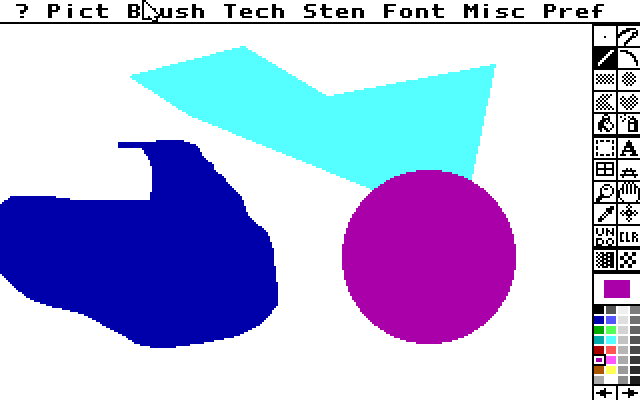
Deluxe Paint II has the fundamental tools that any artist who has worked with digital tools will be familiar with. We’ll run it on a 256-colour VGA screen at 320×200 resolution.
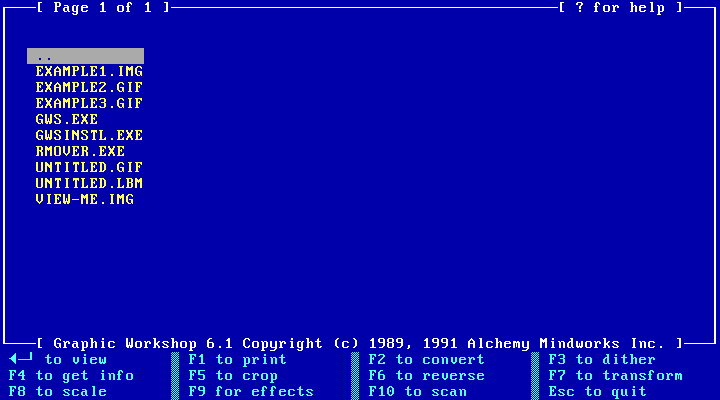
Deluxe Paint II saves images in IFF format, with the .LBM extension. Game-Maker expects to receive images in GIF format.
Graphic Workshop
Graphic Workshop is made by Alchemy Mindworks, and it’s software that’s still under active development. Its DOS version offers a text interface that lets you select an image in IFF format and convert it to GIF format. We’ll use version 6.1 for DOS, which is shareware.
Animator
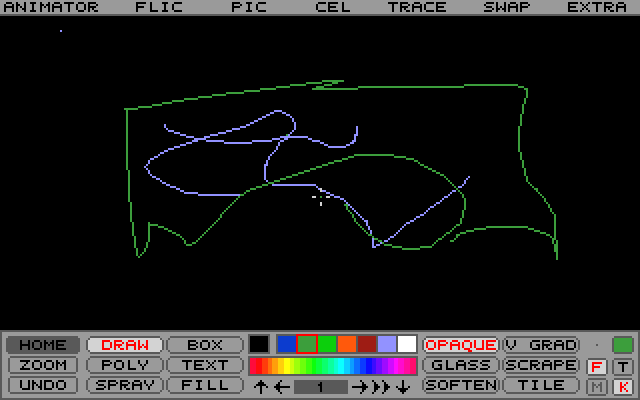
Also known as Autodesk Animator. Game-Maker can display animations made in FLI format. Animator can make these animations. It runs on a 256-colour VGA screen at 320×200 resolution, and has several facilities for drawing the frames of an animation and previewing it. Using Animator is not a requirement to animate blocks or characters.
The Setup
- Install DOSBox-X
- Configure the Sound Blaster Pro card and the microphone
- Create a working directory
- Copy Game-Maker and Deluxe Paint II
- Install Ad Lib Visual Composer
- Copy ROL2CMF.EXE
- Install the Sound Blaster Pro tools
- Check that we can record with VEDIT to a VOC file (and play it back)
- Check that we can make music in Ad Lib Visual Composer
- Check that we can convert ROL files (along with the corresponding INS or BNK file) into CMF files (and play them)
- Make an image in Deluxe Paint II and save it
- Convert the Deluxe Paint II image to GIF format with Graphic Workshop
- Make an animation with Animator and save it in FLI format
- Now we’re ready to use Game-Maker
Since most of these programs are still under copyright, I don’t feel comfortable distributing them directly, but all of it can be found online.
Here’s a video that demonstrates the capabilities of our development environment.
A Note About Music
You’ve probably heard of the MIDI format, which already existed at the time, and which remains quite popular in music production. MIDI, like the ROL format, doesn’t define sound, only the notes an instrument plays.
I tried to find period tools that can convert from MIDI to CMF, but couldn’t find any.
There are modern tools that can do the conversion, but we’re doing an exercise in archaeology, and we want a period tool that can make files in CMF format.
In the Next Part
For part 2 of this series we’ll start digging into Game-Maker’s concepts in depth and build a simple prototype to prove that we can have a complete development pipeline.